Free SSL Certificate vs Paid SSL Hosting: What's the Difference?
- By Anis Ur Rahman
- 18 Aug, 2026
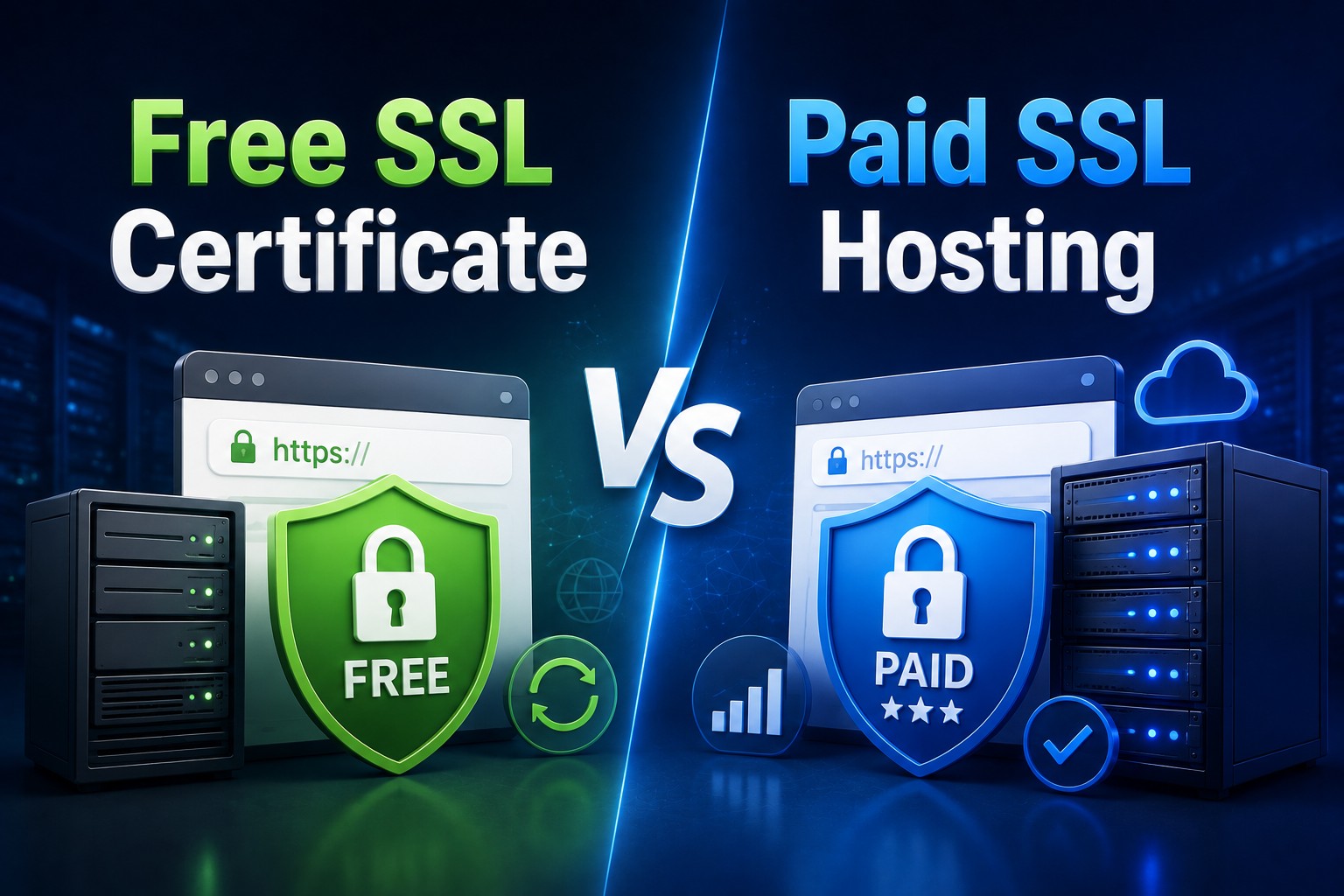
Short answer: A free SSL certificate (like Let's Encrypt) and a paid SSL certificate both encrypt data between your website and your visitors using the same TLS technology. The real difference is in validation level, warranty, support, and trust signals — not encryption strength. Small blogs and personal sites can usually use free SSL, while some businesses may choose paid OV or EV certificates when additional organization verification, support, or warranty coverage is useful.
That question shows up constantly in hosting support tickets, so let's go through it section by section — including how the two options hold up for everyday ssl for website security needs.
What Is a Free SSL Certificate?
A free SSL certificate is a Domain Validated (DV) certificate issued at no cost, most commonly through Let's Encrypt, a nonprofit certificate authority. It confirms you own the domain, encrypts traffic with TLS (the modern replacement for the older SSL protocol), and turns your site's address from http:// to https://.
Most web hosts now install free SSL automatically. Cloudflare, cPanel hosting, and platforms like WordPress.com all offer it as a default feature. It's the reason almost every website today shows that little padlock icon in the browser bar.
Free SSL is not lite encryption. The math behind it is identical to what banks use. What it lacks is deeper identity verification.
Learn More: Best Web Hosting Guide in 2026
What Is a Paid SSL Certificate?
Paid SSL certificates come in two stronger tiers:
OV (Organization Validated): The certificate authority checks that your business is a real, registered entity before issuing the certificate.
EV (Extended Validation): This is the strictest level. The issuer verifies legal existence, physical address, and operational status — a process that can take several days.
Paid certificates also come with a warranty (a payout if the certificate authority makes an error that leads to loss) and often a trust seal you can display at checkout. For some organizations, additional identity verification, vendor support, or warranty terms may be useful for business or procurement requirements.
SSL certificate price varies by validation level and vendor: OV certificates typically cost more than DV, and EV certificates cost the most because of the manual verification work involved. Many hosts also bundle a paid certificate into premium hosting plans, so check there before buying one separately.
Free vs Paid SSL: What's the Real Difference?
Here's the comparison in plain terms:
The padlock icon looks the same either way. Browsers stopped showing a special "green bar" for EV certificates years ago, so the visible trust signal difference has actually shrunk. What hasn't shrunk is the verification work happening behind the scenes.
Is Free SSL Safe for My Website?
Yes — free SSL is genuinely safe. Let's Encrypt certificates use the same industry-standard TLS encryption as paid certificates, and they're trusted by every major browser.
The catch isn't safety, it's scope. A DV certificate confirms you control the domain, not that your business is legitimate. If your site processes payments or collects sensitive personal data, that gap is worth thinking about — not because the encryption is weaker, but because customers and compliance rules sometimes expect stronger identity checks.
For a personal blog, portfolio, or informational site, free SSL is all you need. There's no meaningful security reason to pay for more.
When Do I Need a Paid SSL Over Free SSL?
Consider paid SSL when:
You run an online store and need customer trust signals plus a warranty.
You're in a regulated industry (finance, healthcare, legal) with compliance requirements around identity verification.
Business wants the credibility boost of OV/EV validation for enterprise clients or partners.
Need dedicated support from the certificate authority rather than relying on your host's community forums.
Manage multiple domains or subdomains and want a single wildcard or multi-domain certificate backed by a formal SLA.
If none of these apply, free SSL is a perfectly reasonable long-term choice. Many established companies still run on Let's Encrypt.
How Do I Set Up Free SSL With Cloudflare?
Cloudflare offers free SSL for any site on its network, with a few configuration choices that matter. One thing to understand upfront: Cloudflare SSL vs hosting SSL isn't really an either/or choice. Cloudflare secures the connection between visitors and its edge network, while your host may separately secure the connection between Cloudflare and your actual server. You often need both working together, not one instead of the other. Cloudflare's own SSL/TLS encryption modes documentation covers this in more detail.
1. Add your site to Cloudflare and point your domain's nameservers to Cloudflare's servers.
2. Go to the SSL/TLS tab in your Cloudflare dashboard.
3. Choose your encryption mode:
Flexible: Encrypts traffic between visitor and Cloudflare only. Your origin server stays unencrypted. Not recommended if avoidable.
Full: Encrypts visitor-to-Cloudflare and Cloudflare-to-origin, but doesn't validate the origin certificate.
Full (Strict: Encrypts both legs and validates the origin certificate. This is the safest option.
4. Enable "Always Use HTTPS" so all traffic redirects automatically from http to https.
5. Turn on HSTS (HTTP Strict Transport Security) once everything is working, to prevent downgrade attacks.
Full (Strict) mode is worth the extra setup step. It closes the gap that Flexible mode leaves open between Cloudflare and your actual server.
Explore More: Web hosting speed factors
How Do I Check If My SSL Certificate Is Valid?

This is the core of most ssl certificate troubleshooting: something looks broken, and you need to find out whether it's the certificate, the server, or the browser. Run an SSL checker tool — free options include SSL Labs' SSL Test, Qualys, or your browser's own padlock details. Here's what to look for:
- Expiry date — expired certificates trigger browser warnings and can tank user trust instantly.
- Chain of trust — make sure the certificate links properly back to a trusted root authority; a broken chain causes errors on some devices even if it looks fine in your main browser.
- Domain match — the certificate should cover the exact domain and subdomains you're serving (watch out for `www` vs non-`www` mismatches).
- Mixed content warnings — images, scripts, or styles still loading over plain http on an https page. Most SSL checker tools flag all of this in seconds and explain the fix in plain language.
A Typical Upgrade Path (Example Scenario)
Here's a pattern that plays out often with small online stores, based on how the free-to-paid decision usually unfolds in practice:
A store launches on a shared host with free SSL — installation takes minutes, and it's enough to get the padlock icon and stop browser warnings on checkout pages. That covers the site for its first year or two, while order volume is still low and the business isn't handling much beyond names, emails, and shipping addresses.
The trigger for upgrading is rarely "the free certificate stopped working." It's usually a new requirement: a payment processor's compliance checklist, a loyalty program that stores phone numbers, or a B2B client who asks about the site's certificate authority before signing a contract.
At that point, the store moves to an OV certificate — not because the encryption improves, but because the warranty and the verified business identity now matter for that specific relationship.
If you're weighing this decision for your own site, the practical test is simple: has anything changed about what you're collecting or who you're answering to? If not, free SSL is still doing its job.
FAQs
Does free SSL expire faster than paid SSL?
Yes. Free certificates like Let's Encrypt typically renew every 90 days, usually automatically. Paid certificates often run for a full year before renewal.
Will free SSL hurt my Google rankings?
No. Google has stated in its own Search Central blog on HTTPS as a ranking signal that it looks for HTTPS itself, not which certificate type or issuer you use. Free and paid SSL get the same ranking treatment.
Can I switch from free to paid SSL later?
Yes, anytime. There's no lock-in. You can install a paid certificate over an existing free one without losing your site's history or SEO standing.
Does paid SSL encrypt data better than free SSL?
No. The underlying TLS encryption strength is identical. Paid certificates add identity verification and warranty coverage, not stronger math.
Is Cloudflare's free SSL enough for an online store?
Cloudflare's free SSL can be suitable for many online stores, but PCI compliance depends on the overall payment environment, infrastructure, and how cardholder data is handled—not on whether the SSL certificate is free or paid.
Learn More: How to Choose a Web Hosting Plan in 2026

Author By
Anis Ur Rahman
Anis Ur Rahman writes domain and web hosting–related articles on behalf of Ummah Host. He works with domain name selection, web hosting, BDIX hosting, and website performance, and creates informational guides based on practical experience to help users make informed decisions. His writing focuses on providing reliable, easy-to-understand, and decision-supportive content.