WordPress Hosting Requirements: Minimum Specs Guide
- By Anis Ur Rahman
- 25 Aug, 2026
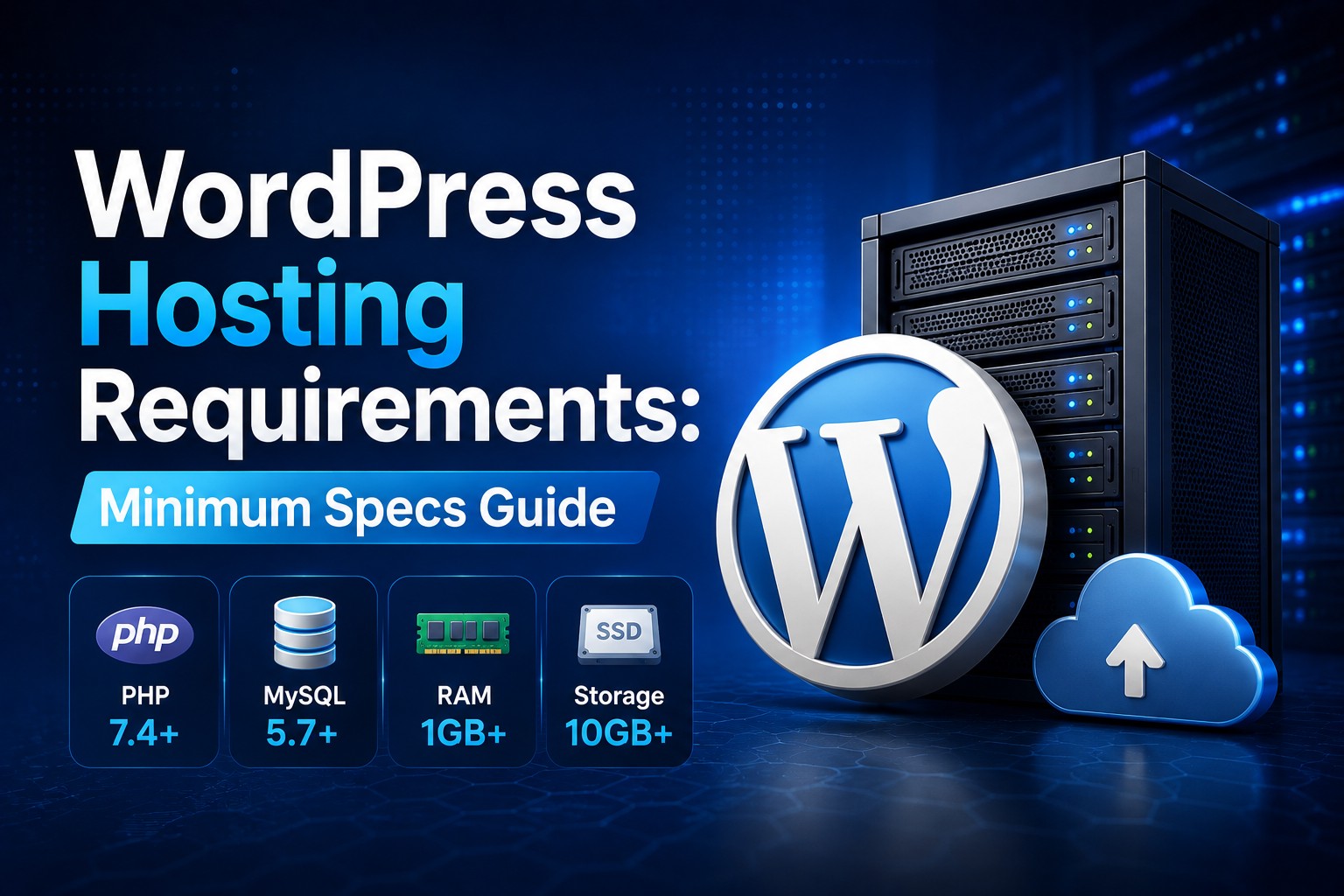
WordPress needs PHP 7.4 or higher and MySQL 5.7+ or MariaDB 10.3+ to install and run — that's the minimum compatibility floor. But minimum compatibility isn't the same as a recommended production environment. For a new website today, aim for a currently supported PHP 8.x version and a currently supported MySQL/MariaDB version, plus HTTPS support and at least 64MB of PHP memory (512MB+ in practice). Below, we'll separate what WordPress will run on from what it should run on, how that shifts between WordPress versions, and what "GPL licensed" means for you as a site owner.
Minimum vs. recommended: PHP 7.4 will technically install WordPress, but it's past its security-support window. Don't treat it works as it's ready for a production site — check the recommended specs below before you launch.
Skip the recommended specs, and WordPress may still install — but it won't run well. Outdated PHP means slower page loads, more plugin conflicts, and fewer security patches. Meeting the minimums gets you a working site. Meeting the recommended specs gets you a fast, secure one.
What Are the Requirements for Installing WordPress?
To install WordPress, your hosting environment needs:
PHP 7.4 or greater (PHP 8.1–8.3 recommended for new sites)
MySQL 5.7+ or MariaDB 10.3+ for the database
HTTPS support, backed by an SSL/TLS certificate — most browsers now flag non-HTTPS sites as "not secure"
mod_rewrite enabled on Apache, for clean permalinks
At least 64MB of PHP memory, though real-world sites need more
A web server — Apache or Nginx — to actually serve the site
These are the same baseline specs published on WordPress.org's official requirements page, so they're worth bookmarking as your source of truth rather than relying on a host's marketing page. WordPress itself is lightweight. The official software takes up very little disk space. The real resource demand comes later — from your theme, your plugins, and your traffic. A basic blog on shared hosting can survive on minimal specs. An online store running WooCommerce with 20 plugins cannot.
Who does this affect?
Anyone installing WordPress for the first time, or anyone whose host is nearing end-of-life on outdated software.
How do you check your current setup?
Most hosts show your PHP and MySQL versions in the cPanel or hosting dashboard under "Server Information" or similar.
Why does it matter?
Because falling below these minimums isn't just a performance issue — old PHP versions stop receiving security patches, leaving your site exposed.
Explore More: Best Web Hosting Guide in 2026
What PHP Version Does WordPress Recommend?
WordPress officially recommends PHP 8.1 or higher, though it will technically still run on PHP 7.4. Here's the difference that matters:
PHP 7.4 — minimum compatibility only; unsupported and past its security-update window
Currently supported PHP 8.x versions — recommended for new sites, subject to theme and plugin compatibility
PHP 8.2–8.3 — generally offers better performance and security than older versions, but confirm your theme and plugins support it before upgrading
Newer PHP versions aren't just about following a checklist. According to PHP.net's supported-versions page, each branch only receives active security fixes for two years and further bug fixes for a third — after that, you're running on unsupported code even if the site "works fine." That's a real vulnerability, not just a performance concern.
For the database side, WordPress recommends MySQL 8.0+ or MariaDB 10.6+. Older versions (MySQL 5.7, MariaDB 10.3) still work but are approaching or past their own end-of-life dates, so pairing outdated PHP with an outdated database compounds the risk.
If you're not sure which version your site is running, most hosting control panels (cPanel, Plesk) list PHP and MySQL/MariaDB versions under Server Information, and plugins like WP-CLI can report the same details from the command line.
Do Minimum Requirements Change Between WordPress Versions?
Yes — WordPress's own baseline creeps upward over time, though slowly. The core software requirements themselves (PHP 7.4 minimum, MySQL 5.7 minimum) have stayed fairly stable across recent major releases, but each release tends to drop compatibility with the oldest PHP branches and lean harder on newer PHP features for performance.
Here's how that plays out in practice:
WordPress 6.8.x — runs on PHP 7.4+, but many core performance improvements only fully kick in on PHP 8.0+
WordPress 6.9 — continues the trend of testing primarily against PHP 8.1–8.3, with 7.4 treated as a legacy floor rather than a target
RAM and CPU — WordPress doesn't publish a hard RAM requirement, and actual usage varies a lot by plugin count, WooCommerce or membership add-ons, traffic volume, PHP worker count, database load, caching setup, and theme. Shared hosts commonly allocate 512MB–1GB per site as a baseline; sites with heavier plugin stacks or steady traffic often need more, so treat this as a starting point to test against, not a fixed number.
How Is WordPress Software Licensed for Use?
WordPress is released under the GNU General Public License, version 2 or later. In short: you can use it for any purpose, including commercial projects, modify the source code, and redistribute it — and most themes and plugins built on WordPress inherit those same freedoms. There's no licensing fee and no restriction on running a store or paid membership site. This isn't a hosting requirement itself, so we'll keep it brief here — it matters more for choosing themes and plugins than for choosing a host.
Frequently Asked Questions
What are the requirements for installing WordPress?
PHP 7.4+ (8.1+ recommended), MySQL 5.7+ or MariaDB 10.3+, HTTPS support, and mod_rewrite for permalinks. Most standard hosting plans already meet these.
What PHP version does WordPress recommend?
PHP 8.1 or higher. It's the sweet spot between speed, security, and broad plugin compatibility.
Do minimum requirements change between WordPress versions?
The core minimums move slowly, but each release optimizes more heavily for newer PHP versions, so older servers see diminishing performance returns over time.
How is WordPress software licensed for use?
Under the GPL v2 (or later), which allows free use, modification, and redistribution — including for commercial purposes.
Is WordPress free to use commercially?
Yes, fully. The GPL license places no restriction on running commercial or revenue-generating sites.
The Bottom Line
Meeting WordPress's minimum specs keeps your site installable. Meeting its recommended specs — a currently supported PHP 8.x version, a current MySQL/MariaDB version, and adequate memory — keeps it fast, secure, and ready to scale. If you're choosing WordPress hosting, use these requirements as your checklist before comparing plans. It's a five-minute check that saves months of troubleshooting later.
Check More: How to Choose a Web Hosting Plan in 2026

Author By
Anis Ur Rahman
Anis Ur Rahman writes domain and web hosting–related articles on behalf of Ummah Host. He works with domain name selection, web hosting, BDIX hosting, and website performance, and creates informational guides based on practical experience to help users make informed decisions. His writing focuses on providing reliable, easy-to-understand, and decision-supportive content.