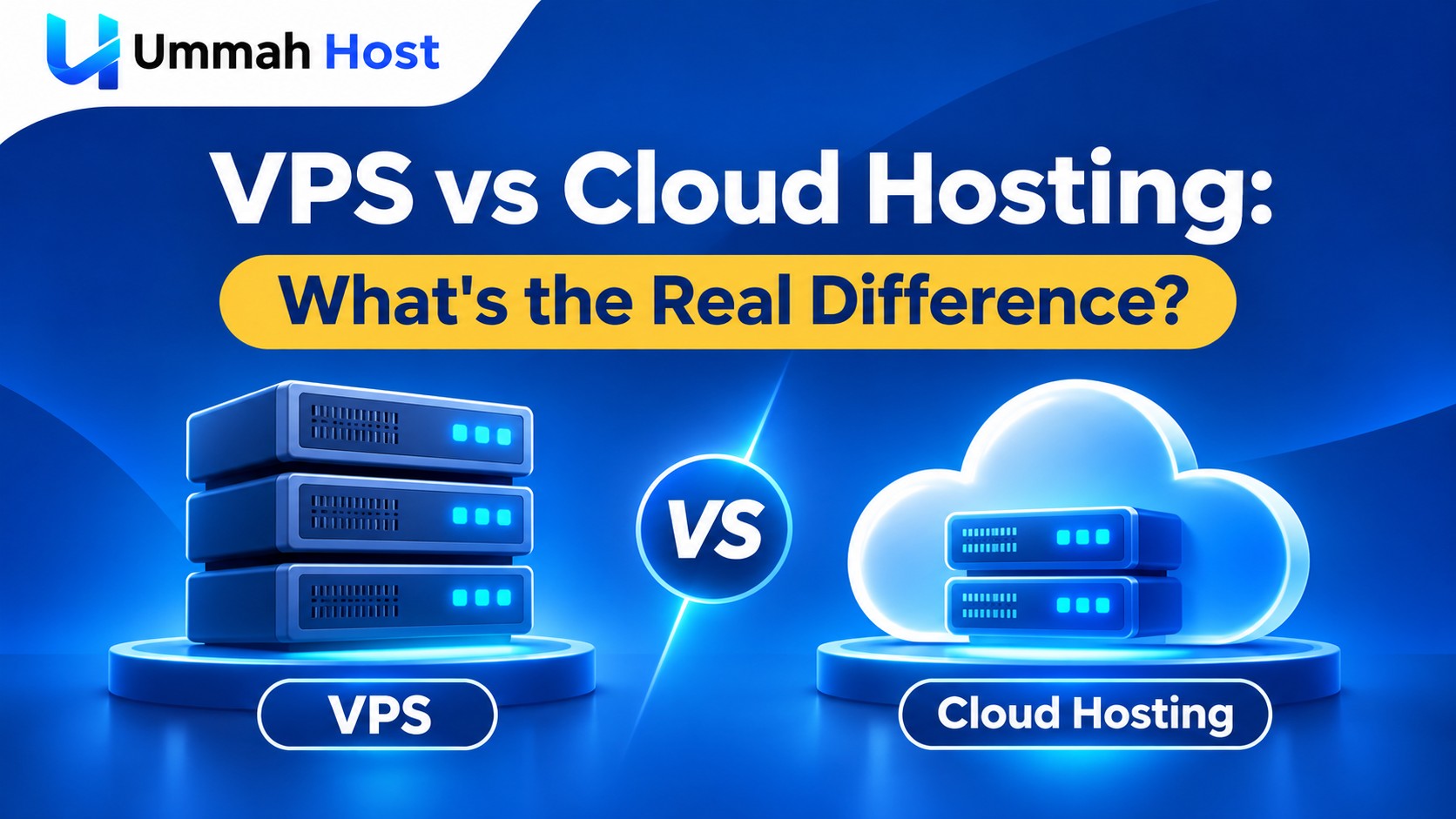
VPS vs Cloud Hosting: What's the Real Difference?
- By Anis Ur Rahman
- 15 Nov, 2026
Your website has outgrown shared hosting. Pages load slowly at peak times, and you need more control. Now you face the classic choice: VPS vs cloud hosting. Both give you a virtual server with root access, so on the surface they look almost the same.
The difference shows up in three places: where your server physically runs, what happens when hardware fails, and how your bill is calculated. This guide explains each one in plain language, so you can match the choice to your traffic, budget, and technical skills.
Quick Answer: A VPS is a virtual server carved out of one physical machine, with fixed resources at a fixed monthly price. Cloud hosting provisions your server from a network of connected infrastructure, which can add easier scaling and redundancy depending on the provider. Pricing may be fixed monthly or usage-based. Choose a VPS for steady, predictable traffic and a firm budget. Choose cloud hosting when traffic is spiky or downtime is very costly.
Who This Guide Is For
This comparison is written for people who are ready to move beyond shared hosting, including:
Small business owners running a WooCommerce or WordPress store
Developers deploying apps built with Node.js, the MERN stack, Laravel, or Django
Agencies hosting several client websites on one server
Startups unsure whether they need "the cloud" or just a stronger server
Businesses in Bangladesh that want fast local speeds through BDIX while still serving global visitors
If you're still deciding whether you need a virtual server at all, start with our guide on choosing between shared hosting and a VPS.
What Is a VPS? (Simple Definition)
In simple terms, a VPS (Virtual Private Server) is a private slice of one physical server. Software called a hypervisor splits a powerful machine into several isolated virtual machines. Each one gets its own CPU cores, RAM, storage, and operating system.
Think of it like an apartment building. You have your own locked flat, your own kitchen, and your own key. But you all share the same building. If the building's foundation has a problem, every flat feels it.
Most modern VPS plans use KVM (Kernel-based Virtual Machine), an open-source hypervisor built into the Linux kernel. KVM gives each VPS its own kernel, so you can run Linux or Windows and your server is isolated from its neighbours. UmmahHost's BDIX VPS plans run on KVM. Our breakdown of KVM vs OpenVZ virtualization explains why that matters for performance and security.
What Is Cloud Hosting?
Cloud hosting uses a network of interconnected infrastructure to provision and manage computing resources. An individual cloud server (often called a cloud VM) may still run on one physical host at a time. What the platform adds around it, such as redundancy, live migration, and scaling features, depends on how that provider built its infrastructure.
The U.S. National Institute of Standards and Technology (NIST) gives the most widely used definition. Its Special Publication 800-145 lists five essential traits of cloud computing:
On-demand self-service
Broad network access
Resource pooling
Rapid elasticity
Measured service (you pay for what you use)
Back to our analogy: cloud hosting is less like one apartment building and more like a hotel chain. If one building closes for repairs, a well-run chain can move you to another one. How smoothly that happens depends on the chain.
Large public cloud platforms such as Amazon Web Services (AWS), Microsoft Azure, and Google Cloud work this way. So do many smaller "cloud hosting" plans sold by web hosts, which package cloud infrastructure with a control panel like cPanel.
What Is a Cloud VPS?
A cloud VPS is a virtual server that behaves like a VPS but runs on cloud infrastructure. You still get dedicated vCPU, RAM, and root access. The difference is that it runs on a cloud platform, often with networked storage, instead of a single standalone host.
Depending on the provider, that setup can bring three extras:
Node failover: If the physical host fails, your server may restart on another node in the cluster.
Fast resizing: You can often add RAM or CPU in minutes.
Hourly or per-second billing: Some providers charge only for the time the server runs. Others sell cloud VPS on fixed monthly plans.
Failover and automatic scaling are not guaranteed features of every cloud VPS. "Cloud VPS" is a marketing term, and providers use it loosely. Some plans with that label are ordinary VPS servers under a new name. Before you buy, check whether the provider supports:
Replicated storage (your data kept on more than one machine)
Automatic recovery if the host fails
Load balancing across servers
A written SLA (service level agreement) that states the uptime target and any compensation
Is a VPS the Same as a Cloud Server?
Not exactly. Every VPS is a virtual server, but not every VPS runs on cloud infrastructure. A traditional VPS lives on one physical host. A cloud server runs on a platform built from connected infrastructure, which can make failover and fast scaling possible. Some hosts call any VPS a "cloud server," so judge the plan by its features, not its label.
VPS vs Cloud Hosting: Side-by-Side Comparison
Here is how the two options compare on the factors that matter most.
Which One Fits Your Project?
Is Cloud Hosting Better Than VPS?
No, cloud hosting is not automatically better. It's better for some workloads and worse for others. The right choice depends on how your traffic behaves and how much downtime costs you.
Cloud hosting wins when:
Your traffic jumps sharply, for example during Eid sales, product launches, or viral posts
An hour of downtime would cost you serious money
You need to add servers quickly as you grow
A VPS wins when:
Your traffic is fairly steady from month to month
You want one fixed bill with no surprises
You run a small-to-medium site, store, or app that fits comfortably in one server
For most small and mid-sized sites, a properly sized VPS handles the load. If your traffic never spikes, you'd be paying for elastic scaling you don't use.
When Is a VPS Cheaper Than Cloud?
In short, a VPS is usually cheaper when your server runs 24/7 at a steady load. Usage-based billing shines when servers switch on and off. It loses its edge when the server never sleeps. (Some hosts sell cloud plans at a fixed monthly price. In that case, compare total features and price directly.)
Here's why. Cloud providers like Amazon Web Services bill on-demand servers by the hour or second, with a 60-second minimum. That's perfect for a job that runs for two hours. But a website runs about 730 hours a month. On top of compute, cloud bills often add separate charges for storage, outbound data transfer (egress), snapshots, and public IP addresses.
A VPS bundles those into one price. At the time of writing (November 2026), UmmahHost's BDIX VPS plans start at $10 per month for 1 vCPU, 2 GB RAM, 25 GB NVMe storage, and 500 GB of bandwidth. Prices can change, so check the plan page for current rates.
Cost surprises are also common in the cloud. Flexera's 2026 State of the Cloud Report found that organisations estimate 29% of their cloud infrastructure spend is wasted. That figure is self-reported by survey respondents, mostly larger companies, but it shows how easily usage-based bills drift upward.
Example Scenario: A Growing Online Store
This is an illustrative example, not a specific customer case.
Imagine a clothing shop in Dhaka with around 2,000 visitors a day. Traffic stays steady most of the year, then roughly doubles in the two weeks before Eid.
On a VPS: The shop pays the same fixed fee every month. Before Eid, it upgrades to a larger plan, then can stay there or move back down later.
On cloud hosting: The shop could scale automatically during the rush. But it pays variable rates all year, including the 50 quiet weeks.
For this store, a properly sized VPS with a planned seasonal upgrade is likely the more cost-effective choice.
Cloud VPS vs VPS: Which Performs Better?
Neither is faster by default. Performance depends on the hardware, storage type, and how crowded the host is. A VPS on fast NVMe drives with fair resource limits can outperform a cheap cloud instance.
A few points to keep in mind:
Local NVMe storage on a traditional VPS can have lower latency than network-attached cloud storage. But not all cloud storage is the same: storage architecture and performance vary by provider and instance type, and some cloud instances also offer local NVMe.
Noisy neighbours can slow any shared host. Ask whether the provider oversells CPU, and test your server under load in the first week.
Server location matters more than the hosting type. A server close to your visitors loads faster. Our guide to running a VPS latency test shows you how to check.
Right-sizing matters too. An under-powered server is slow on any platform. See our VPS RAM and CPU requirements guide to estimate what you need.
How to Choose Between a VPS or Cloud Server
Work through these seven checks in order. Most people have their answer by step three.
Check your traffic pattern. Look at three to six months of analytics. Is traffic steady, or does it spike sharply?
Set your budget style. Decide whether you need a fixed monthly bill or can handle variable costs.
Estimate the cost of downtime. If one hour offline would cost more than a month of hosting, lean toward cloud redundancy.
Size your resources. Estimate the CPU, RAM, and storage your site or app needs today, plus room to grow.
Pick a nearby location. Choose a data centre close to your main audience. For Bangladeshi visitors, a BDIX-connected server helps local speed.
Plan your backups. Neither option replaces regular, off-server backups. Our web hosting security and backup guide covers the basics.
Decide who manages the server. If you're not comfortable with Linux, a managed VPS lets experts handle updates and security for you.
Want a wider view of VPS plan types, locations, and pricing? See our complete VPS hosting guide.
Can a VPS Be Scalable?
Yes, a VPS can scale, but mostly vertically and by hand. Vertical scaling means upgrading one server to more CPU, RAM, or storage. Horizontal scaling means adding more servers, which cloud platforms can do automatically with auto-scaling.
Vertical scaling covers most growing businesses, because traffic rarely jumps tenfold overnight. If you plan upgrades ahead of known busy seasons, a VPS can grow with you for a long time. When you truly outgrow one server, you can move to a dedicated server or add more VPS servers behind a load balancer.
Key Takeaway
The real difference between VPS and cloud hosting is architecture and billing. A VPS gives you fixed resources on one machine at a predictable price. Cloud hosting runs your server on connected infrastructure that can add easier scaling and failover, if the provider supports them, with fixed or usage-based pricing. For steady traffic and a firm budget, a VPS is often the smarter buy. For unpredictable spikes or mission-critical uptime, cloud is worth the extra cost and complexity.
Conclusion: Pick the Hosting That Fits Your Traffic
In the VPS vs cloud hosting decision, three questions do most of the work. How steady is your traffic? Do you need a fixed bill? And what does an hour of downtime cost you? Steady traffic and a firm budget point to a VPS. Unpredictable spikes or very costly downtime point to the cloud. For a deeper look at what uptime figures really mean, read web hosting uptime explained.
If steady performance and a fixed monthly bill sound right for you, explore UmmahHost's BDIX VPS hosting plans with NVMe storage, full root access, and a dedicated IP. Serving visitors outside Bangladesh? Check our global VPS hosting locations to find a server closer to your audience. Not sure which size you need? Contact our support team with your current traffic numbers, and we'll suggest a plan.
Frequently Asked Questions
What is the main difference between VPS and cloud hosting?
A VPS runs on one physical server with fixed resources and a fixed price. Cloud hosting runs on connected infrastructure that may add faster scaling and failover, depending on the provider. Its pricing can be fixed or usage-based.
Is cloud hosting better than VPS?
Not always. Cloud hosting is better for spiky traffic and high-availability needs. A VPS is often better value for steady traffic and fixed budgets.
What is a cloud VPS?
A cloud VPS is a virtual private server that runs on cloud infrastructure. It may offer node failover, quick resizing, and hourly billing, but these features are not guaranteed. Check each provider's specs and SLA.
Is VPS cheaper than cloud hosting?
Usually, yes, for servers that run all month at a steady load. A VPS bundles compute, storage, and bandwidth into one fixed price, while cloud bills can add separate charges.
Cloud server vs VPS: which is faster?
Neither is faster by default. Speed depends on the hardware, storage type, server location, and how resources are allocated.
Can I upgrade my VPS later?
Usually, yes. Most VPS providers let you move to a larger plan as your site grows, though some upgrades need a short reboot. Ask your host how upgrades work before you buy.
Do I need technical skills to run a VPS?
An unmanaged VPS requires basic Linux and server skills. If you'd rather not manage it yourself, choose a managed VPS where the host handles setup, updates, and security.

Author By
Anis Ur Rahman
Anis Ur Rahman writes domain and web hosting–related articles on behalf of Ummah Host. He works with domain name selection, web hosting, BDIX hosting, and website performance, and creates informational guides based on practical experience to help users make informed decisions. His writing focuses on providing reliable, easy-to-understand, and decision-supportive content.
Search Blog
Categories
Latest News
15 Nov, 2026