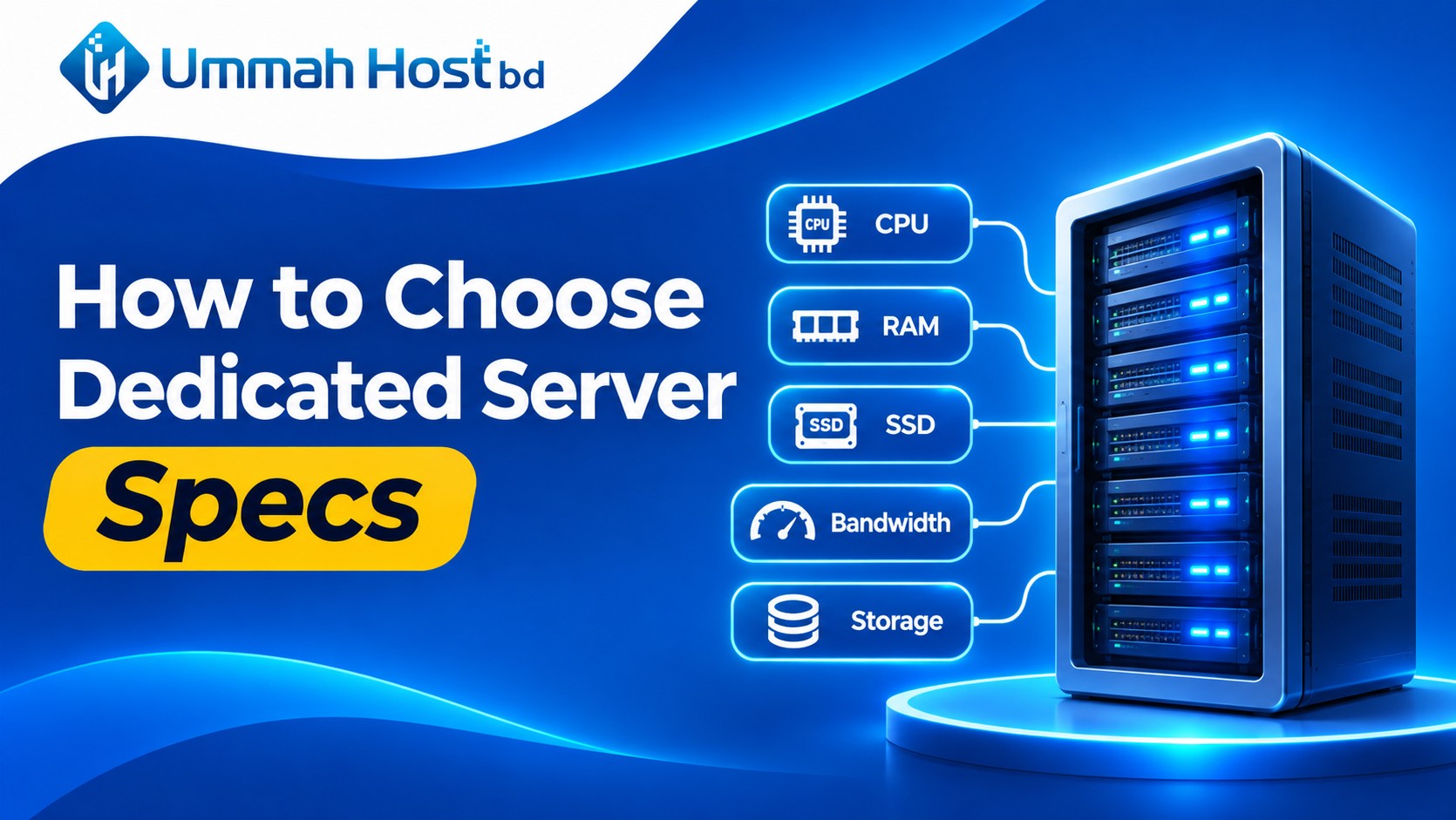
How to Choose Dedicated Server Specs: CPU, RAM, Storage and Bandwidth
- By Anis Ur Rahman
- 28 Nov, 2026
Short answer: Match your dedicated server specs to your workload. Choose more CPU cores for many tasks at once, or a higher clock speed for single-thread work. Add enough ECC RAM to hold your most-used data, use NVMe storage, and pick a port speed that fits your real traffic. For most business sites, a 1Gbps port is enough.
Pick too little and your site slows down. Pick too much and you pay every month for power you never use.
This dedicated server specs guide walks through CPU, RAM, storage, and bandwidth in the order that matters. It also covers database servers and the "is 1Gbps enough?" question. Plan details come from UmmahHost's public plan pages, checked on 28 November 2026.
Key takeaways
Start with your workload, not the price list.
Choose cores for parallel work and clock speed for single-thread work.
For databases, RAM comes first, then NVMe storage, then CPU.
RAID protects you from a failed drive. It is not a backup.
In theory, a 1Gbps port can move about 324 TB in a 30-day month. That is far more than most sites need.
Do You Need a Dedicated Server or a VPS?
Short answer: Choose a dedicated server when a VPS no longer gives you steady speed, enough RAM, or the control you need. Until then, a VPS usually costs less.
A dedicated server gives you a whole physical machine. No other customer shares your CPU, RAM, or disks. A VPS splits one machine into several virtual servers.
Consider dedicated hardware if:
Your site slows down at peak hours even after you optimize it.
Your database no longer fits in the RAM a VPS offers.
You need full root access or isolation for compliance reasons.
Not there yet? Compare shared hosting vs VPS or look at a BDIX VPS. If you want the full picture first, read what dedicated hosting is. You can also weigh your options in our guide to dedicated server vs cloud vs bare metal.
What Specs Do I Need for a Dedicated Server?
Short answer: Start with your workload, not the price list. A typical business website needs a mid-range CPU, 16–32 GB of RAM, and NVMe storage. Busy stores, databases, game servers, and virtual machines need more.
Before you compare plans, answer these questions:
What will the server run (website, database, game server, virtual machines)?
How many users or requests do you expect at peak?
How big is your data today, and how fast is it growing?
Can you accept downtime if a part fails?
Here is a rough starting point. These are examples, not rules. Always test with your own traffic.
How Do I Choose the Right CPU?
Short answer: Choose more cores for tasks that run in parallel. Choose a higher clock speed for tasks that depend on one fast thread.
Cores and threads. A core is a physical processing unit. Many CPUs run two threads per core (called SMT or Hyper-Threading), so a 6-core chip shows 12 threads. Plans may quote either number, so check which one you are reading. UmmahHost's AMD Starter Dedicated lists a Ryzen 5 5600G with 6 cores and 12 threads. Its Xeon plans list 56 or 88 logical cores.
More cores help with:
Virtual machines and containers
Busy web servers with many visitors
Video encoding and batch jobs
Higher clock speed (measured in GHz) makes each single task run faster. It helps with:
Game servers
Database queries that cannot split across cores
Older apps that use only a few cores
Ryzen vs Xeon in practice. Ryzen chips usually run at higher clock speeds. For example, the AMD Turbo Pro lists 12 cores at 3.8 GHz. The older Xeon E5 v4 chips in the Dedicated M and Dedicated A plans run slower per core but offer many more threads. That makes them a better fit for virtual machines and hosting many sites.
To find your limit, load-test your app and watch the CPU. If one core hits 100% while the others sit idle, you need clock speed. If all cores climb together, you need more cores.
Why Does ECC RAM Matter?
Short answer: ECC RAM detects and corrects certain memory errors, which helps improve data integrity and system reliability. Its effectiveness depends on CPU, motherboard, and platform support.
Standard RAM can flip a bit without warning. In some cases, that small error can corrupt data or crash a service. ECC (Error-Correcting Code) memory can detect and correct single-bit errors automatically. It cannot prevent every memory fault or crash, and it needs a CPU and motherboard that support it, so check the plan's spec list.
For business, finance, and database work, ECC is worth it. To size your RAM:
Add up the memory your apps use at peak.
Add room for the operating system and caching.
Add 25–30% headroom for growth.
For database and cache-heavy apps, enough RAM often gives the biggest speed boost. The server reads from memory instead of slower disks.
Which Storage Is Best: NVMe, SSD, or HDD?
Short answer: Use NVMe for speed-sensitive workloads. Use HDD only for bulk, rarely accessed data like backups.
NVMe drives connect over PCIe, so they avoid the limits of the SATA interface. Typical SATA SSDs deliver sequential speeds around 500–550 MB/s, while NVMe SSDs can offer substantially higher throughput and IOPS (operations per second), depending on the drive and PCIe generation. NVMe also usually means lower latency.
Also plan for drive failure. RAID combines drives so one failure does not necessarily take you offline:
RAID 1: mirrors data across two drives for redundancy.
RAID 10: combines mirroring and striping, typically using four or more drives.
Ask your host which RAID options it offers before you order.
RAID is not a backup. It cannot save you from a deleted file, a hacked server, or a data center fire. Keep at least one copy of your data off the server. Our guide on how to choose a dedicated server provider includes a real case study on what happened to customers who kept their only backups in the same building.
What Server Do I Need for a Large Database?
Short answer: Prioritize RAM first, then fast NVMe storage with mirroring, then CPU. The goal is to keep your most-used data in memory and your disks fast.
Databases like MySQL and PostgreSQL read and write constantly. Slow storage or low memory becomes the bottleneck quickly.
RAM. MySQL's InnoDB buffer pool caches your data and indexes. On a dedicated database server, 50–75% of RAM is a common starting range for the buffer pool. MySQL's own dedicated-server mode sizes the buffer pool automatically, and on larger servers it picks about 75%. Treat that as a starting point, not a rule.
PostgreSQL works differently because it also relies on the operating system's file cache. Its documentation suggests around 25% of RAM as a reasonable starting point for shared_buffers on a dedicated database server.
Here is what those starting points look like on a 128 GB server:
MySQL (InnoDB): roughly 64–96 GB for the buffer pool
PostgreSQL: roughly 32 GB for shared_buffers
Your best setting depends on your workload. Tune it using load testing, operating-system cache behavior, and database performance metrics such as cache hit ratio and query times. Large databases and unusual workloads often end up with different values.
Storage. Use NVMe with mirroring (RAID 10 if you have four or more drives). It gives high read and write speed plus protection from a single drive failure. The tradeoff is that, with equal-size drives, you get about half of your raw capacity.
CPU. Choose strong per-core speed, plus enough cores for your concurrent connections.
Practical tips:
Size RAM so your "hot" working data fits in memory.
Keep database files on a separate volume from backups and logs.
Check slow-query logs before you upgrade. A missing index can look like a hardware problem.
Which UmmahHost plan fits? It depends on what your database needs most:
ECC memory and fast cores: The Business AMD Server lists a Ryzen 7 5700G (8 cores, 16 threads), 32 GB DDR4 ECC, and 1 TB NVMe. It suits small to mid-size databases.
Lots of RAM and NVMe space: Dedicated M lists 128 GB DDR4 and 1 TB NVMe. Dedicated A lists 128 GB DDR4 and 4 TB NVMe (2 × 2 TB). These suit larger datasets, but the plan pages do not list ECC for the Xeon servers.
Not sure which fits? Send us your database size and peak connections and we will suggest a configuration.
Is 1Gbps Enough for a Dedicated Server?
Short answer: Yes, for most businesses. A 1Gbps port moves up to about 125 MB/s. Move to 10Gbps only if you stream video, serve very large files, or run a high-traffic platform.
Bits vs bytes. Port speed is measured in bits per second (Gbps). File sizes and downloads use bytes. One byte is eight bits, so 1 Gbps equals 125 MB/s.
Monthly math. A fully used 1Gbps port can move roughly 324 TB in a 30-day month. This is a theoretical maximum that assumes the port is fully used all the time. Real-world throughput is affected by network overhead, routing, congestion, and provider policies. Port speed is your ceiling, not your average, and few websites come close to it.
Working example. Say you stream video at about 5 Mbps per viewer. Then 200 viewers at once use the full 1 Gbps. A shop or blog with 200 visitors loading 2 MB pages uses a tiny fraction of it. The load, not the site size, decides.
Consider 10Gbps if you:
Deliver video or large downloads to many users at once
Run backups or replication between servers
Host a busy API, CDN origin, or game network
Where are your visitors? Distance matters as much as speed. If most visitors are in Bangladesh, a BDIX dedicated server keeps local traffic on the Bangladesh Internet Exchange, which usually means lower latency. For North America, look at a USA dedicated server. UmmahHost's Dedicated M, Dedicated A, and Dedicated + Virtualizor plans list 1 Gbps unmetered bandwidth.
What Do "Unmetered" and "95th Percentile" Mean?
Short answer: Unmetered means no fixed data cap on your port. The 95th percentile is a billing method that ignores your top 5% of traffic bursts.
Unmetered bandwidth: You can use your port's full speed without a monthly transfer limit. Always read the fair-use terms.
95th percentile billing: Many providers sample your traffic about every five minutes. They sort the samples, throw out the top 5%, and bill on the highest remaining value. In a 30-day month, that is roughly 36 hours of bursts you do not pay for.
This helps if your traffic has short spikes, like a flash sale or a software launch. It costs more if your traffic stays high all day.
Ask your host these questions before you buy:
Is the port shared or dedicated?
What happens if I exceed fair use?
Is DDoS protection included or an add-on?
Can I upgrade my port speed later?
Which UmmahHost Server Matches Your Workload?
Short answer: Use the table below as a starting point, then confirm details on the plan page. Specs come from our public plan pages, checked on 28 November 2026.
Good to know before you order:
Xeon-based plans list delivery of up to 72 hours.
On the AMD plans, DDoS protection is listed as an extra-cost add-on.
Prices change, so check the dedicated server plan page for current rates.
Quick Checklist Before You Order
Define your workload and peak users.
Pick cores or clock speed based on how your app runs.
Choose ECC RAM with 25–30% headroom.
Use NVMe, and ask about RAID 1 or RAID 10.
Keep at least one backup off the server.
Match port speed to real traffic, not the biggest number.
Confirm bandwidth terms (unmetered, 95th percentile, fair use).
Check support options and upgrade paths. Our guide to choosing a dedicated server provider can help.
Next Step: Check Your Specs Against a Real Plan
Write down three numbers: your peak users, your data size, and how fast it grows. Then compare them with the plan table above.
If your numbers do not match any plan, talk to the UmmahHost team. Tell us your workload, and we will suggest a configuration.
Frequently Asked Questions
What specs do I need for a dedicated server?
It depends on your workload. A business website needs a balanced CPU, 16–32 GB RAM, and NVMe. Databases and virtualization need more RAM and cores.
How many CPU cores do I need?
Four to eight cores handle most business sites. Choose more for virtual machines, busy stores, and batch jobs. For single-thread work, favor clock speed over core count.
What server do I need for a large database?
Choose plenty of RAM, NVMe storage with mirroring, and a CPU with strong per-core speed. Size RAM so your hot data fits in memory.
Is 1Gbps enough for a dedicated server?
For most businesses, yes. Upgrade to 10Gbps for heavy streaming, large file delivery, or server-to-server traffic.

Author By
Anis Ur Rahman
Anis Ur Rahman (SEO, AEO Expert) writes domain and web hosting–related articles on behalf of Ummah Host. He works with domain name selection, web hosting, BDIX hosting, and website performance, and creates informational guides based on practical experience to help users make informed decisions. His writing focuses on providing reliable, easy-to-understand, and decision-supportive content. Aniscreative.com