Service Insights
What Is Windows VPS Hosting?
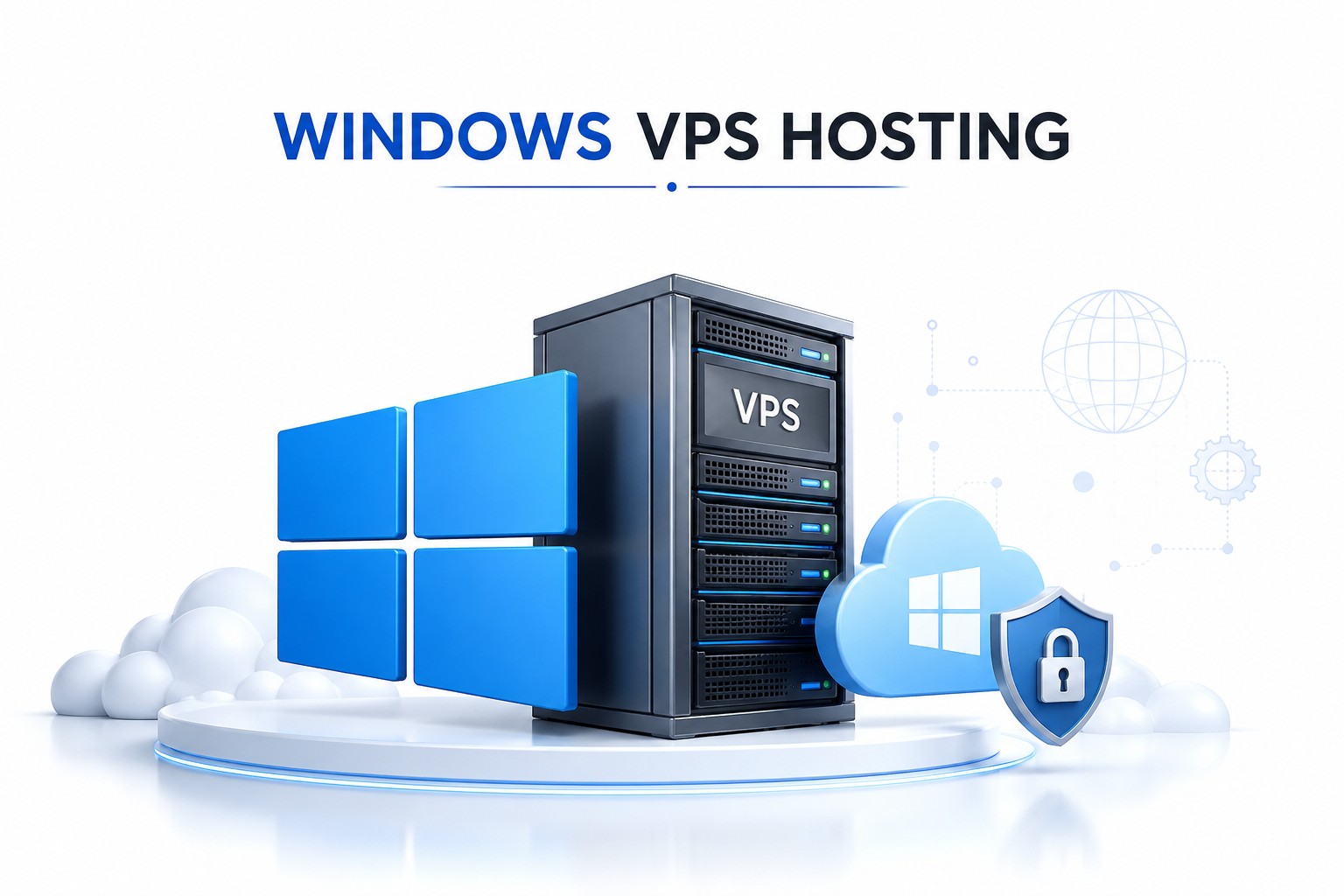
A Windows VPS is a virtual server that operates using Microsoft Windows Server. It functions like a dedicated server but costs significantly less because physical server resources are divided into multiple isolated virtual environments.
Each VPS receives dedicated CPU, RAM, storage, and operating system resources. This gives you greater control than shared hosting while maintaining a cost-effective infrastructure.
Common applications include:
ASP.NET Hosting
MSSQL Database Hosting
Business Software Hosting
Remote Desktop Services
Development and Testing Environments
Enterprise Applications
For businesses that depend on Windows-based software, a Windows VPS provides a familiar and powerful operating environment.
Why Businesses Choose Windows VPS Hosting
Many organizations eventually outgrow traditional shared hosting. As websites become larger and applications require more resources, businesses need a hosting solution that delivers predictable performance.
A Windows VPS provides:
Dedicated Resources
Greater Security
Administrative Control
Improved Stability
Better Application Compatibility
Easy Resource Scaling
This makes it a practical choice for startups, agencies, software companies, and growing enterprises.
Key Features of RendcPanel Windows VPS Hosting
High-Performance SSD Storage
Storage speed affects everything from website loading times to database performance. Our SSD-powered infrastructure helps reduce latency and improve responsiveness for business-critical applications.
Full Administrator Access
Need to install custom software?
No problem.
Administrator access allows complete control over your server environment. You can configure settings, deploy applications, and manage resources according to your requirements.
Remote Desktop (RDP) Support
Many businesses use Windows VPS hosting specifically for Remote Desktop access. With RDP support, you can securely access your server from virtually anywhere.
Dedicated Resources
Unlike shared hosting environments, your allocated CPU, RAM, and storage remain available for your workloads. This results in more consistent performance.
Enhanced Security
Security remains a top priority for every business. Our VPS infrastructure includes server-level protections, network security measures, and isolation from neighboring environments.
Who Should Buy Windows VPS Hosting?
Windows VPS hosting is suitable for a wide range of users.
Small Businesses
Run websites, databases, and internal business applications on a stable hosting environment.
Software Developers
Build, test, and deploy applications within a controlled Windows Server environment.
Digital Agencies
Host multiple client projects while maintaining performance and flexibility.
Remote Teams
Provide employees with secure remote access to applications and business systems.
E-commerce Businesses
Support online stores that require reliable uptime and faster performance.
Real Business Example
A local software company migrated from shared hosting to a Windows VPS after experiencing slow application performance during peak business hours. Their accounting and CRM systems were hosted on a shared environment that struggled under increased user activity.
After moving to a Windows VPS with dedicated resources, application response times improved significantly. The company reported smoother operations, fewer downtime incidents, and a more reliable experience for staff working remotely.
This illustrates why many businesses choose VPS hosting when performance becomes critical.
Windows VPS vs Shared Hosting Service
For businesses running important applications, VPS hosting provides significantly more flexibility and control.
Why Choose RendcPanel?
Choosing a hosting provider involves more than comparing prices. You need infrastructure, support, reliability, and long-term scalability.
RendcPanel focuses on delivering:
Reliable Hosting Infrastructure
Business-Friendly VPS Solutions
Responsive Technical Support
Flexible Resource Upgrades
Secure Hosting Environment
Performance-Oriented Architecture
Our goal is simple: help businesses run their applications and websites with confidence.
Frequently Asked Questions
What is a Windows Virtual Private Server?
A Windows VPS is a virtual server running Windows Server operating systems with dedicated resources and administrator-level access.
Is Windows VPS better than shared hosting?
For businesses needing more control, security, and performance, Windows VPS is typically a better option than shared hosting.
Can I install custom software?
Yes. Administrator access allows you to install compatible applications and software.
Is Remote Desktop included?
Windows VPS environments generally support Remote Desktop connectivity for secure remote management.
Can I upgrade resources later?
Yes. VPS resources can typically be scaled as your project grows.
Who should use a Windows VPS?
Businesses, developers, agencies, software companies, and organizations that rely on Windows-based applications can benefit from VPS hosting.
Get Started with Reliable Windows VPS Hosting
If you're searching for cheap Windows VPS hosting that combines performance, flexibility, and business-grade reliability, RendcPanel offers scalable solutions designed to support your growth. Whether you need to host applications, run business software, manage databases, or provide remote access to your team, our Windows VPS hosting plans deliver the dedicated resources and control required for modern workloads.

Author By
Anis Ur Rahman
Anis Ur Rahman writes domain and web hosting–related articles on behalf of Ummah Host. He works with domain name selection, web hosting, BDIX hosting, and website performance, and creates informational guides based on practical experience to help users make informed decisions. His writing focuses on providing reliable, easy-to-understand, and decision-supportive content.