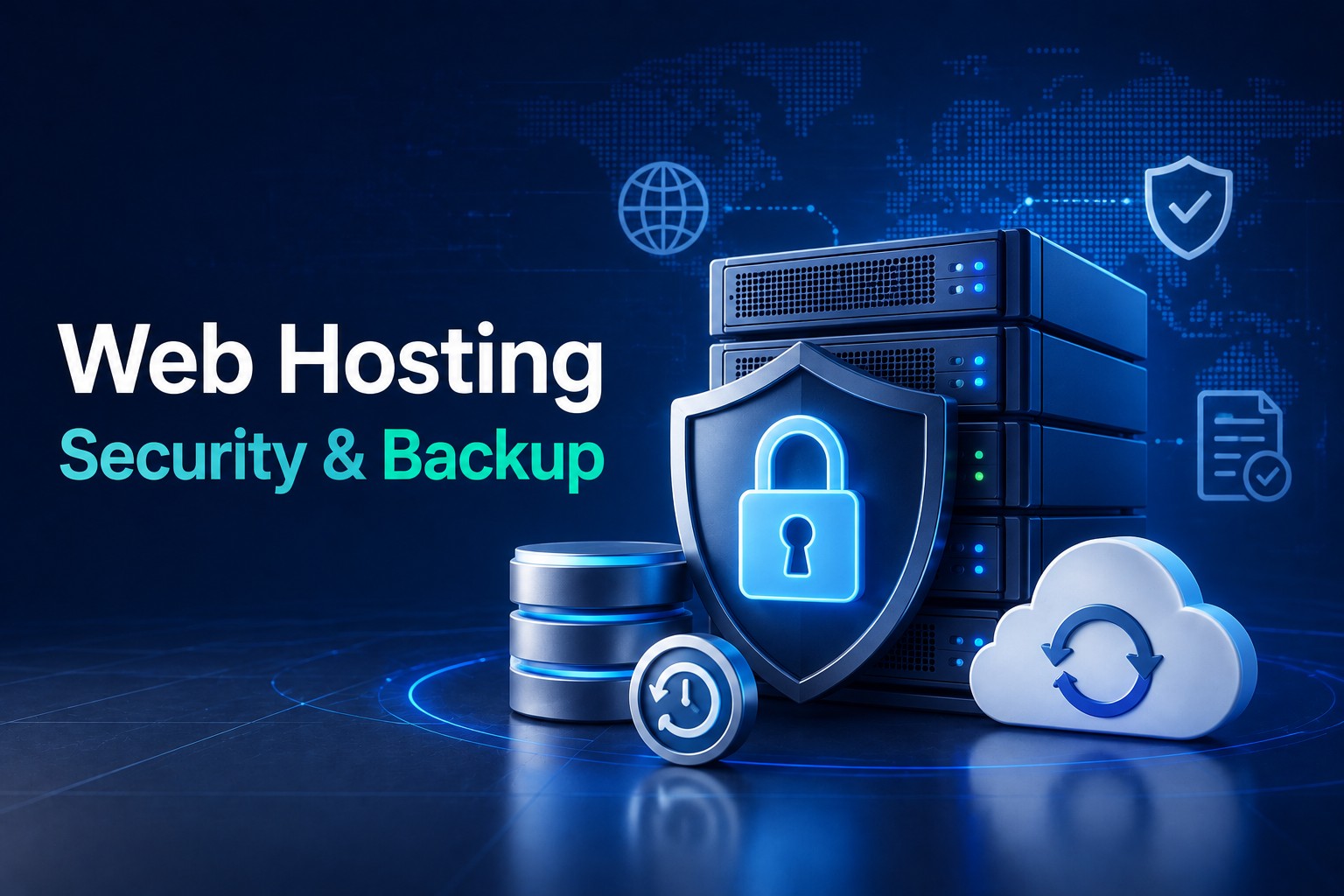
Web Hosting Security & Backup: Complete Protection Guide
- By Anis Ur Rahman
- 29 Aug, 2026
Key Takeaway
Good web hosting security isn't one feature — it's a stack. You need a firewall, malware scanning, DDoS protection, two-factor authentication (2FA), and automatic backups working together. If your host is missing even one of these, your site is one bad day away from going dark. This guide breaks down every piece, in plain language, so you know exactly what to look for and what to do if something goes wrong.
Why Web Hosting Security Actually Matters
Most website owners don't think about hosting security until something breaks. Then it's a scramble — a hacked login page, a "Your site has been flagged for malware" email from Google, or a site that's suddenly offline during a traffic spike.
A secure web host doesn't just store your files. It actively defends them. That means blocking bad traffic before it reaches your server, scanning for malicious code around the clock, and keeping backups ready so you're never starting from zero.
Whether you run a small blog or an online store, the same rule applies: security is not optional, and backups are your safety net. Below is what a solid hosting security setup should actually cover — and how to check if yours measures up.
Learn more with our complete web hosting guide to choose the secure hosting solution for your website.
What Security Features Should Web Hosting Include?
Short answer: A trustworthy host should include a firewall, malware scanning, DDoS protection, and 2FA login — at minimum. Anything less leaves gaps a hacker can exploit.
Here's what each piece actually does:
Firewall (WAF): A web application firewall filters incoming traffic and blocks known attack patterns before they ever reach your site's code.
Malware scanning: Automated scans check your files daily (or in real time) for injected scripts, backdoors, or spam links.
DDoS protection: This absorbs and filters flood-style attacks designed to knock your site offline.
Two-factor authentication (2FA): Even if someone steals your password, 2FA stops them from logging into your hosting panel.
SSL/TLS encryption: Encrypts data between your visitors and your server — non-negotiable for trust and for Google rankings.
Automatic security patching: Your server's software (PHP, control panel, plugins) should update itself against known vulnerabilities.
Think of it like a house. The firewall is your fence, malware scanning is your smoke detector, DDoS protection is your storm shutters, and 2FA is the deadbolt on your front door. You wouldn't skip any of those — don't skip them online either.
Learn the difference between free and paid SSL certificates to choose the right SSL protection for your website.
How Often Should My Web Host Back Up My Site?
Short answer: Daily automatic backups, with at least 7–30 days of retention, is the standard you should expect from any reliable host.
A hosting backup and restore policy is the part people ignore until they desperately need it. Here's what a good policy looks like:
Automatic backups: Happen daily without you lifting a finger.
Retention period: Most hosts keep 7 to 30 days of backup history — enough time to notice a problem and roll it back.
One-click restore: You should be able to restore a previous version of your site yourself, without waiting on support.
Off-server storage: Backups stored on a separate server or in the cloud, so a server crash doesn't wipe your backups too.
Ask your host these two questions directly: "How far back can I restore?" and "Can I do it myself, or do I need to submit a ticket?" If the answer to the second one is "submit a ticket and wait," that's a red flag during an emergency.
For a stricter standard, the Cybersecurity and Infrastructure Security Agency (CISA) recommends the 3-2-1 rule for any business: keep three copies of your data, on two different storage types, with one copy stored offsite. CISA also advises testing your restore process regularly enough to recover at least seven days of operations — not just trusting that backups are running.
Does My Hosting Plan Include DDoS Protection?
Short answer: Not always — many budget shared hosting plans offer little to no DDoS protection, so you need to check the fine print or add a CDN layer yourself.
A DDoS protection web hosting setup works by filtering traffic before it overwhelms your server. Attackers flood a site with fake requests, hoping to crash it or make it unusably slow. Good hosts stop this by:
Monitoring traffic patterns in real time to spot abnormal spikes
Filtering out malicious requests at the network edge, before they hit your server
Using CDN shielding (like Cloudflare) to absorb traffic across a global network instead of one server
If you're comparing hosts, look for language like "always-on DDoS mitigation" or "network-level protection included." If a provider only offers it as a paid add-on, factor that into your total cost — it's not a nice-to-have for any site that handles traffic spikes or sells products.
This isn't a rare threat, either. Cloudflare's 2025 DDoS Threat Report recorded 47.1 million DDoS attacks over the year — more than double 2024's volume, and a 236% jump since 2023. Small and mid-sized sites are just as likely to get caught in these floods as large ones, especially when an attack is aimed at shared server infrastructure rather than a specific target.
Learn how to choose the perfect web hosting plan based on your website’s traffic, performance, and growth needs.
What Do I Do If My Website Gets Hacked or Infected With Malware?
Short answer: Isolate the site, run a malware scan, restore from a clean backup if needed, and change every password connected to your hosting account.
Here's a simple step-by-step you can follow when it happens.
How to Respond to a Hacked or Malware-Infected Website
Take the site offline or enable maintenance mode. This stops the malware from spreading to visitors while you work.
Run a full malware scan. Most hosts include this in their malware removal hosting service — use it, or bring in a third-party scanner like Sucuri.
Check for blacklist status. Search "is my site safe" on Google Safe Browsing to see if you've been flagged.
Restore from your last clean backup, if the infection is severe or the scan can't fully clean it.
Change all passwords — hosting account, admin login, database, and FTP.
Update everything. Outdated plugins and themes are the #1 entry point for hackers.
Ask your host about cleanup guarantees. Some hosting plans include free malware removal; others charge a one-time cleanup fee.
Acting fast matters here. The longer malware sits on your site, the more damage it does to your SEO rankings and visitor trust. Malware campaigns often move faster once they're in. Sucuri's SiteCheck Malware Trends Report found that the Balada Injector campaign alone infected over 149,000 websites, using hidden backdoors that let attackers walk back in even after a site looks cleaned up. That's exactly why step 5 (changing every password) and step 6 (updating everything) aren't optional extras; skip them, and a cleaned site can get reinfected within days.
Frequently Asked Questions
What security features should web hosting include?
At minimum, look for a firewall, malware scanning, DDoS protection, SSL encryption, and two-factor authentication. These form the baseline for any hosting plan handling real traffic.
How often should my web host back up my site?
Daily automatic backups with at least 7–30 days of retention is the standard. More frequent backups (hourly) are better for stores with constant order activity.
Does my hosting plan include DDoS protection?
Not automatically. Many budget and shared hosting plans limit or exclude it. Check your plan details or add a CDN layer like Cloudflare for extra protection.
What do I do if my website gets hacked or infected with malware?
Isolate the site, run a malware scan, restore from a clean backup if needed, update all software, and change every connected password immediately.
Can I restore my own backup without contacting support?
With most modern hosts, yes — one-click restore tools let you roll back to a previous version yourself, without waiting on a support ticket.
Bottom Line
Web hosting security and backups work as a team, not separate features. A firewall and malware scanning keep threats out. DDoS protection keeps your site online during attacks. And a solid backup policy means that even if something slips through, you can undo the damage in minutes, not days.
Before you renew or choose a hosting plan, ask directly: What's included, what's an add-on, and how fast can I recover if something goes wrong? Given how common backdoors and DDoS attacks have become, that last answer matters more than almost anything else on the spec sheet.
Read More: WordPress Hosting Requirements in 2026

Author By
Anis Ur Rahman
Anis Ur Rahman writes domain and web hosting–related articles on behalf of Ummah Host. He works with domain name selection, web hosting, BDIX hosting, and website performance, and creates informational guides based on practical experience to help users make informed decisions. His writing focuses on providing reliable, easy-to-understand, and decision-supportive content.
Search Blog
Categories
Latest News

20 Aug, 2026

20 Aug, 2026


